'%20fill='%2338E038'/%3e%3crect%20x='93.0511'%20y='800.227'%20width='100'%20height='720'%20transform='rotate(-115.5%2093.0511%20800.227)'%20fill='%2365E765'/%3e%3crect%20x='700'%20width='100'%20height='800'%20fill='lightgreen'/%3e%3crect%20width='100'%20height='800'%20fill='lightgreen'/%3e%3c/svg%3e)
Import from Hiiker
Head to hiiker.app, and find the hike you wish to export
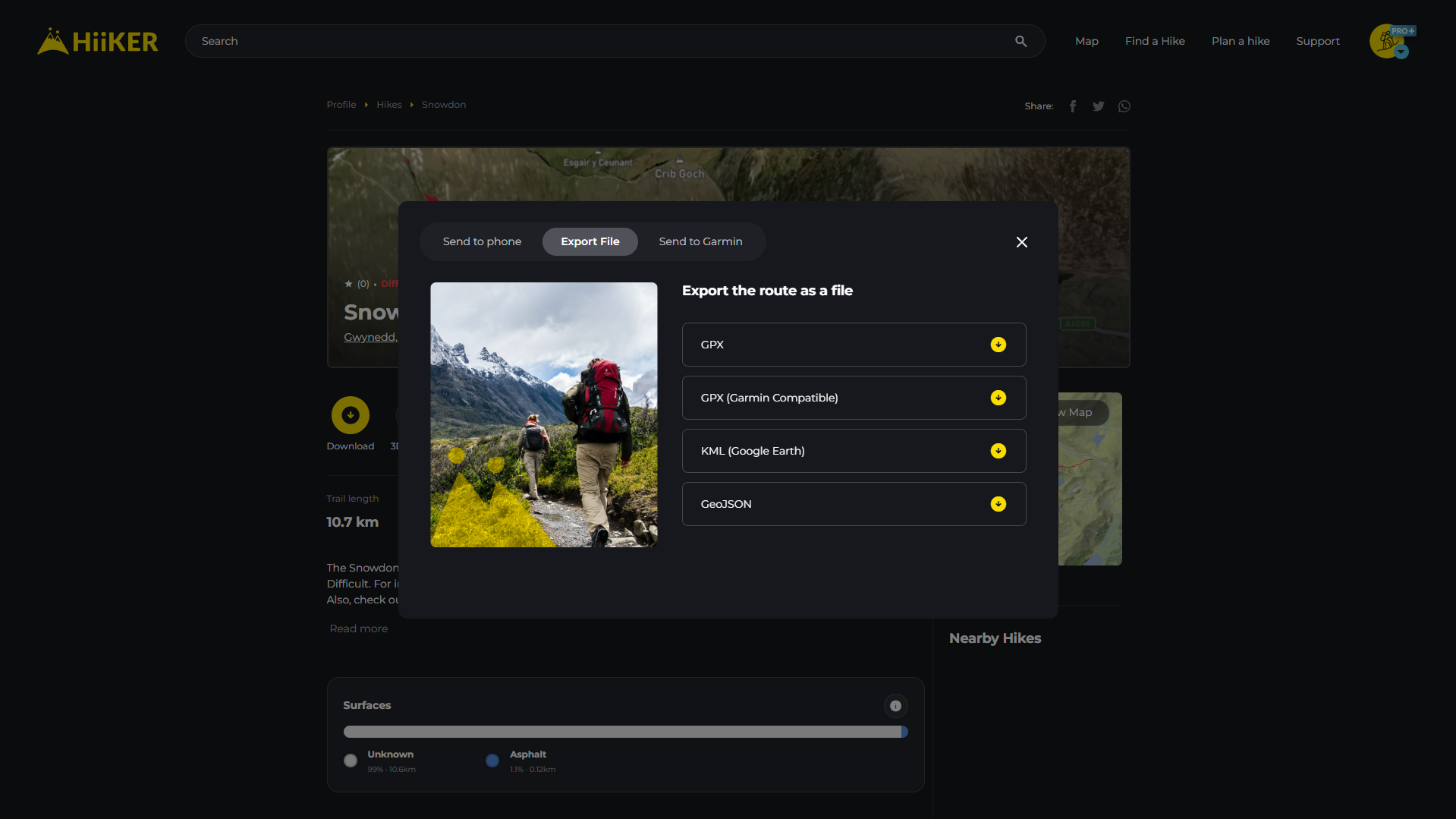
Once you have the hike open, look for the yellow button called "Download".
Once clicked you will see a popup where you can select "Export File" at the top, then click "GeoJSON". This will download the GeoJSON file to your device.
Once the GeoJSON file is downloaded head back to routecard.org
On the homepage click the orange "New RouteCard" button
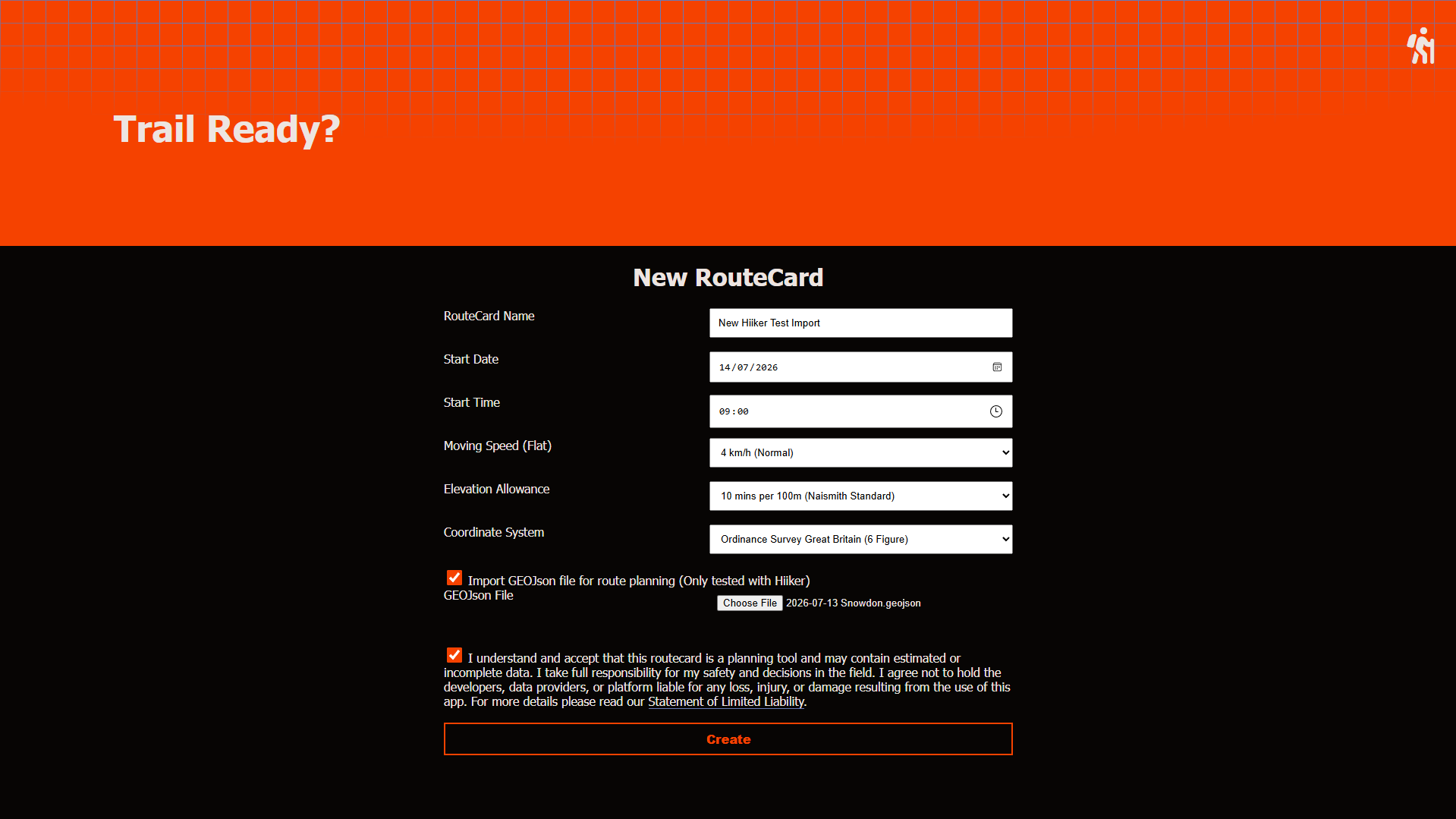
Complete the routecard properties ensuring the Coordinate System matches the location of the Hiiker hike. For help with the properties, refer to the New RouteCard guide.
Before clicking "Create" make sure you check the box beside "Import GeoJSON", you will then be able to upload the exported hiiker file.
Once the file is uploaded, click "Create" and your routecard will be created with the hiiker hike imported.