'%20fill='%2338E038'/%3e%3crect%20x='93.0511'%20y='800.227'%20width='100'%20height='720'%20transform='rotate(-115.5%2093.0511%20800.227)'%20fill='%2365E765'/%3e%3crect%20x='700'%20width='100'%20height='800'%20fill='lightgreen'/%3e%3crect%20width='100'%20height='800'%20fill='lightgreen'/%3e%3c/svg%3e)
Edit Client
Head to All Clients at chaseless.bulkbrains.com
Click on the client you want to edit.
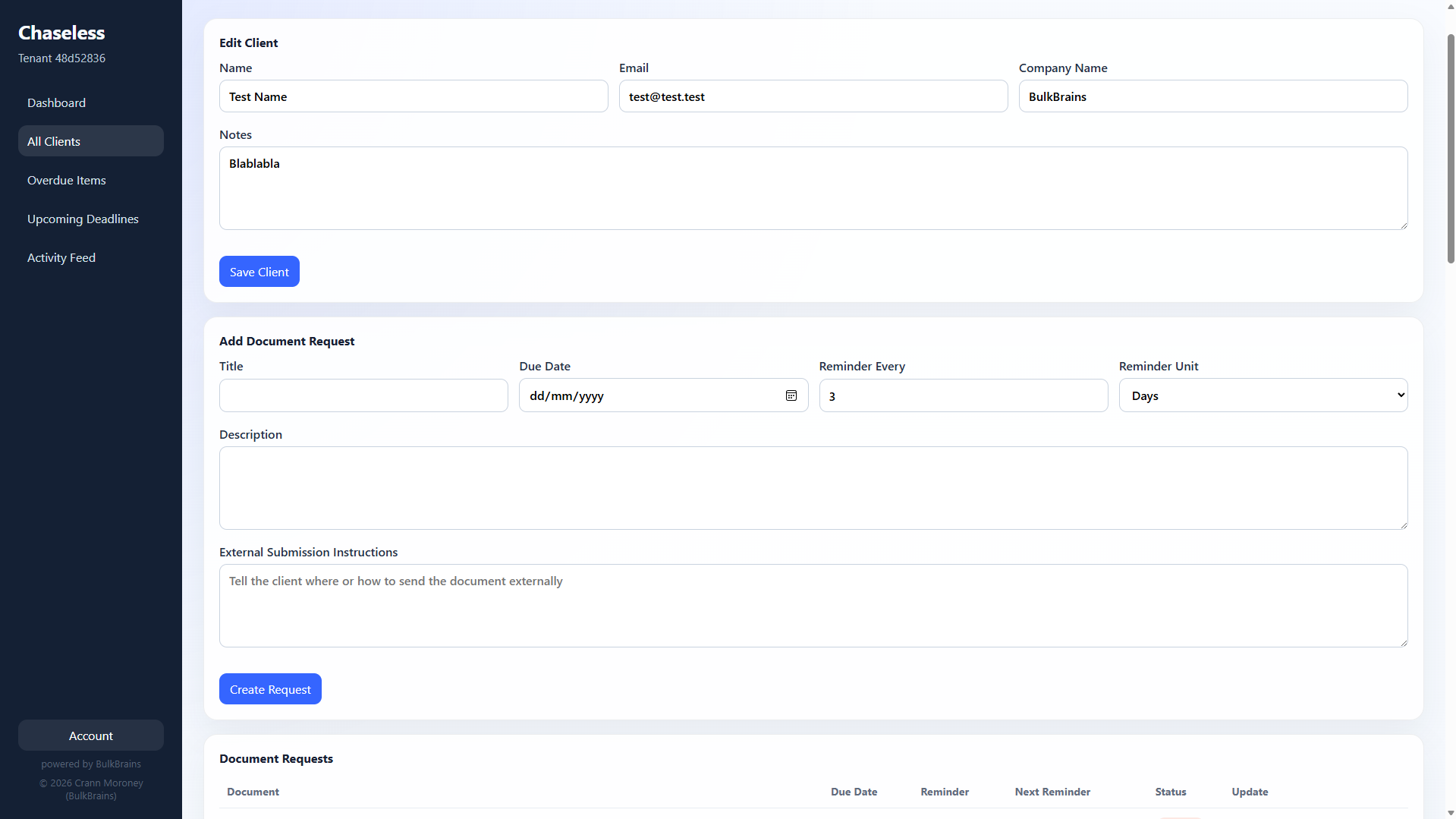
The first section you will see is "Edit Client", simply edit the fields as needed. Then click "Save Client".
Head to All Clients at chaseless.bulkbrains.com
Click on the client you want to edit.
The first section you will see is "Edit Client", simply edit the fields as needed. Then click "Save Client".